





What’s New in Adobe Illustrator 2026?
Adobe Illustrator 2026: Updates and Tweaks to Level Up Your Skills
Hey there, creatives! If you’re eyeing a quick boost in your design game, Adobe Illustrator 2026 (v30.0) just dropped some seriously cool updates that make vector work faster, smarter and way more fun. Released late October 2025, this version is packed with workflow tweaks and AI magic, perfect for beginners to pros – we’ve integrated these new features into our short courses at Short and Suite in Melbourne and Sydney. Whether you’re freelancing, studying or just doodling, these changes will save you time and spark your ideas.
Smoother Workflows and Speed Boosts
First off, Illustrator 2026 launches up to 3x faster and saves files up to 6x quicker – say goodbye to those annoying wait times! The font browser got a fresh redesign, making it easier to hunt down the perfect typeface without the old clunky search.
Gradients
Gradients are now next-level with dithering to kill banding (those ugly color steps) and a “Perceptual” blending mode that mimics how our eyes actually see color shifts—super natural and pro-looking results.
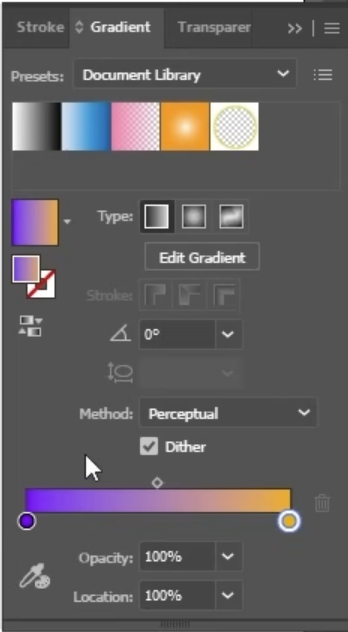
Adobe Illustrator 2026 Gradient Updates
Artboards
Artboards are a total game-changer too. You can now color them directly (no more rectangles!), lock them instantly, rename on-canvas and snap like a dream with new options like Snap to Tangent or Perpendicular. Right-click to rearrange or export selected ones – it’s all streamlined for multi-design projects. Plus, the Pencil tool has live previews and snapping tools got a quick-access panel. These tweaks mean less fiddling, more creating.
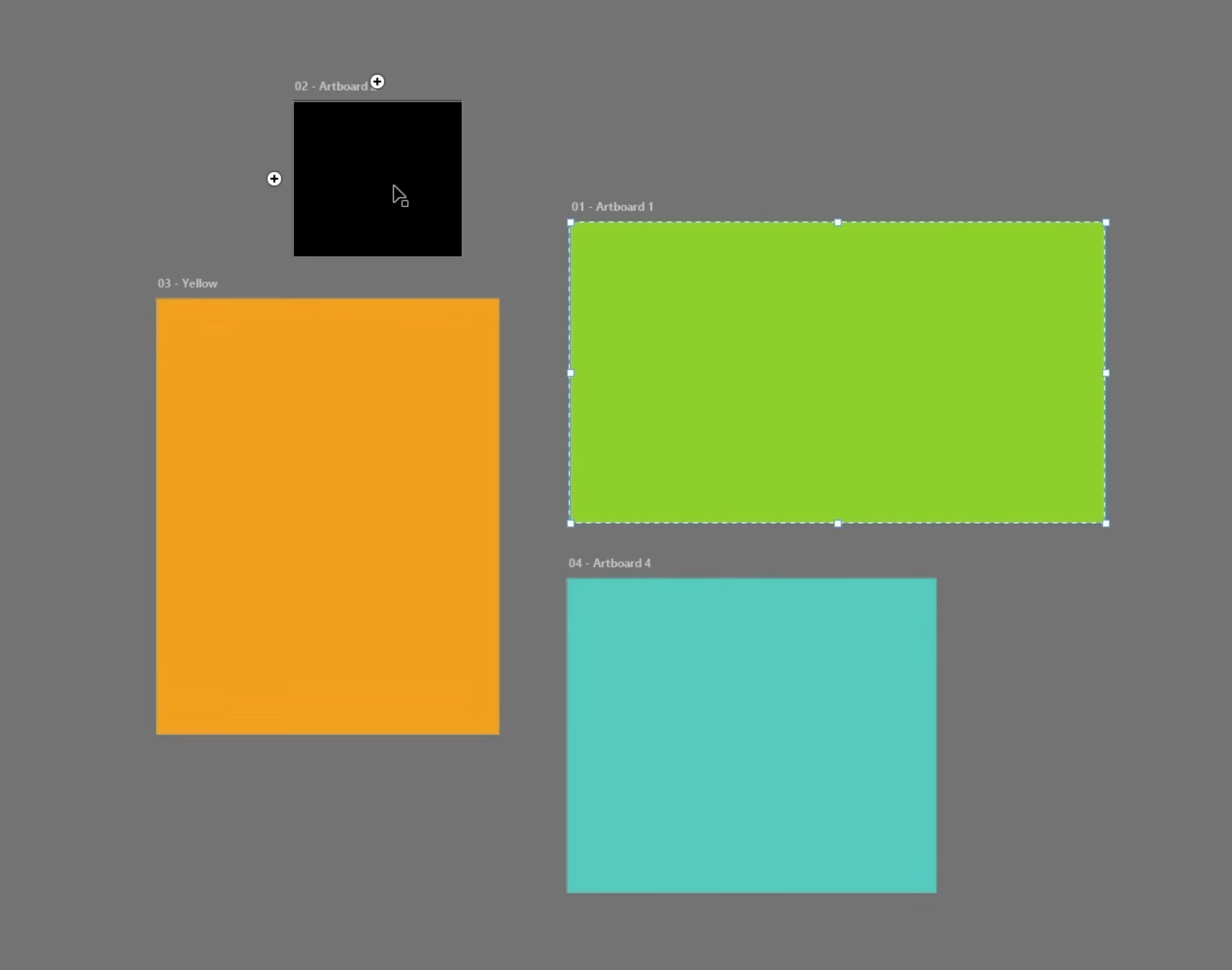
Artboard Updates 2026 Adobe Illustrator
AI Integration That’s Actually Useful
AI is the buzzword but Illustrator 2026 makes it practical with Firefly-powered goodies. Direct access to your Firefly-generated images via “Place from Adobe Cloud” lets you pull AI art straight into projects – no downloading hassle. Turntable (Beta) gives multi-angle 3D-ish views of vectors, great for product mocks or animations. Generative Expand works across apps for smart resizing, and there’s tighter ties to Adobe Express templates right from the home screen.
It’s not overwhelming AI takeover—think helpful sidekick. Centralized generative tools and Projects for team collab mean you can experiment without starting from scratch. For students, this is gold: learn AI ethically while building portfolios employers crave. Research shows creative AI skills get grads hired faster!
Organize, share, and collaborate using Projects
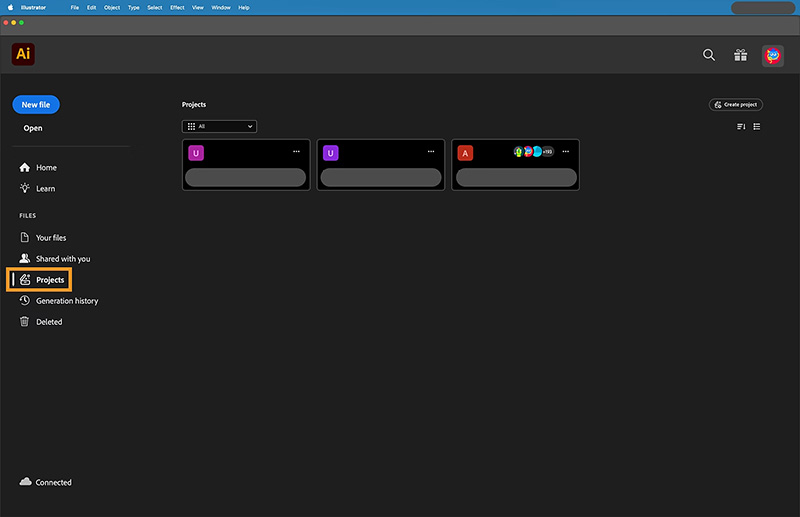
Collaborate with Projects in Adobe Illustrator Update 2026
Why Short and Suite Short Courses Are Your Ticket
At Short and Suite, we get how busy life is – our short and tailored Illustrator courses dive straight into these 2026 features. Imagine mastering dithered gradients or Firefly integration by week’s end, with hands-on projects and my tips from years teaching Adobe Illustrator. We’ve helped heaps of students level up for freelance gigs or inhouse design work.
Enroll now for early 2026 sessions. Spots fill fast, especially in the new year. We’ve got flexible scheduling around your busy work timetable.
These updates aren’t just bells and whistles – they’re tools to make your art pop in a competitive world. Illustrator 2026 feels snappier overall, with bug fixes and personalized workspaces too. Ready to play? Let’s turn those ideas into vectors – what feature are you most hyped for? Drop a comment on our Facebook page!